
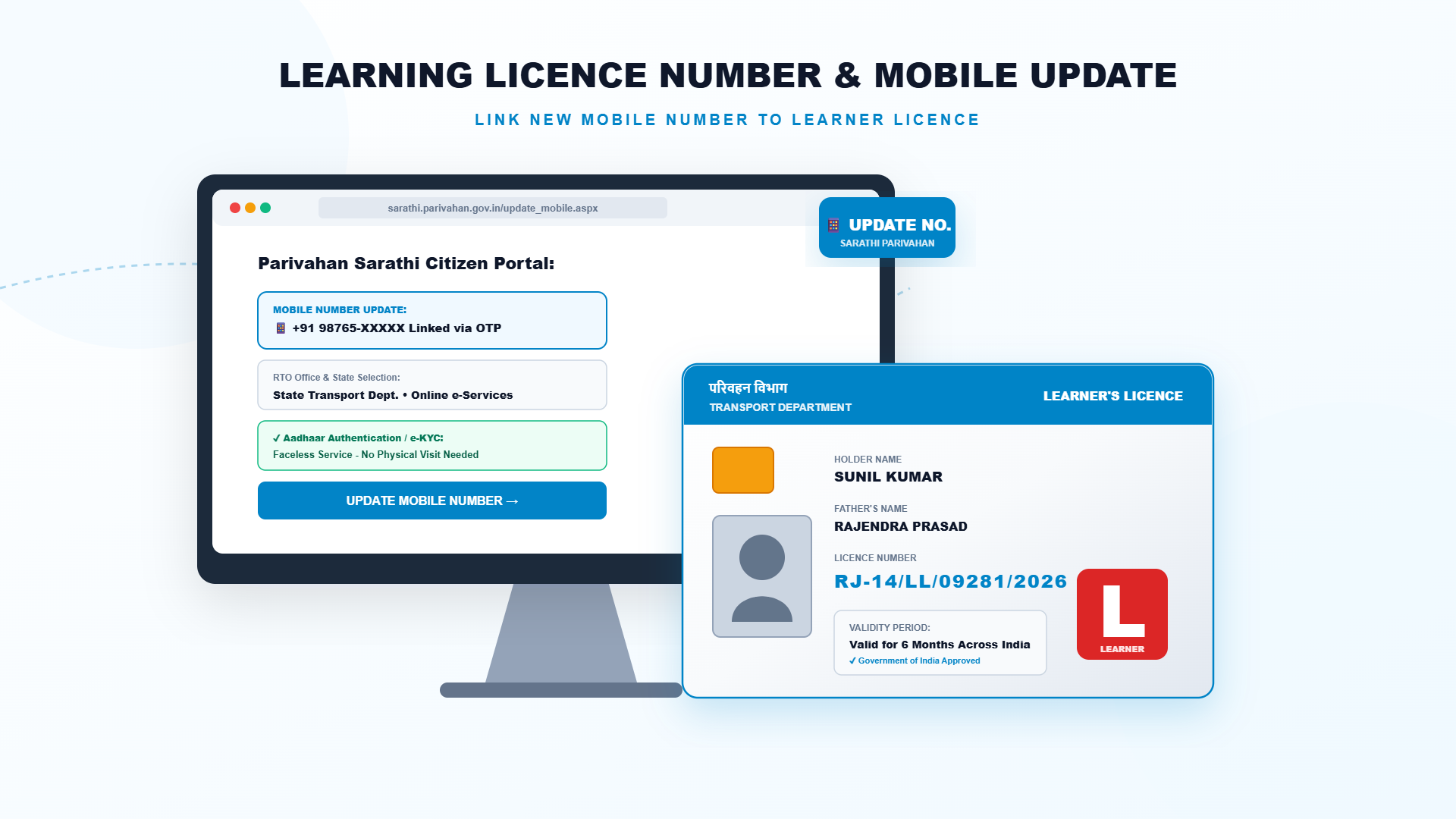
How to Update or Change Mobile Number in Learner's Licence (Learning Licence) Online
All messages about your learner's licence, test slot, payment and status go to the mobile number saved in the Parivahan record. If that number is old, lost or wrong, you can update it online through the Sarathi portal. This guide shows the steps, what you need and what to do if the OTP does not come.
Why Should You Update Your Mobile Number?
A correct number is needed for OTP verification, test slot confirmation, payment alerts and application status. It also helps you receive official messages without delay. The Ministry of Road Transport has been urging licence holders to keep their mobile numbers updated through Aadhaar authentication.
What You Need Before You Start
- Your learner's licence number or application number, and date of birth.
- Your state where the licence was issued.
- Your Aadhaar number and access to the mobile number linked with Aadhaar for OTP authentication.
- The new mobile number that can receive an OTP.
Steps: Update Mobile Number Online
- Open sarathi.parivahan.gov.in and select your state.
- Go to the Others menu and choose Mobile Number Update.
- Enter your licence or application number and date of birth, then continue.
- Verify your identity with Aadhaar authentication or the OTP shown on screen.
- Enter the new mobile number and enter it again to confirm.
- An OTP is sent to the new number. Enter it and submit.
- Note the confirmation message and check later that the new number shows in your record.
Common Problems and Easy Fixes
| Problem | What to do |
|---|---|
| OTP not coming on the old number | Use Aadhaar-based authentication if the portal offers it, or visit the RTO with your documents |
| OTP not coming on the new number | Check the number and network, wait a minute and request the OTP again |
| Details not matching | Recheck the licence number, date of birth and state. Use the same details as in your application |
| Update option not visible | Try another browser, clear the cache, or contact your RTO |
Changing Other Details in Learner's Licence
Sarathi also provides services in the learner's licence section for changes such as address, name, photograph and signature in some states, as well as a duplicate learner's licence if it is lost. Open the services list for your state and choose the one you need. The documents and fee depend on the service.
Important Precautions
- Use only the official portal. Do not share your OTP or Aadhaar details with agents or unknown callers.
- Enter the number twice carefully, since one wrong digit can send alerts to a stranger.
- Keep the confirmation message until the update is visible.
- Update the number before you book a slot or apply for the driving licence.
Need help with your Learner's Licence?
Contact the Emitrawala team on WhatsApp. We will guide you step by step.
Chat on WhatsApp Call: +91 94606 26065Frequently Asked Questions (FAQ)
Can I change my mobile number in the learner's licence online?
Yes. Use the Mobile Number Update option on the Sarathi portal.
Do I need Aadhaar for this?
Aadhaar authentication is commonly used. If it is not possible, you may need to approach the RTO.
Is there a fee?
The online mobile number update is generally free, but please confirm on the portal for your state.
Will my licence number change?
No. Only the contact number in the record changes.
What if I lost access to my old number?
Try Aadhaar authentication, or visit your RTO with ID proof and request the update.
Can I update it after the licence expires?
You can usually still update the record, but you may need to apply fresh if the licence has expired.
Note: This information is based on the Parivahan Sarathi portal and public sources. Fees, test format, online test availability and renewal rules differ from state to state, so please confirm on sarathi.parivahan.gov.in or with your local RTO before you proceed.
लर्निंग लाइसेंस में मोबाइल नंबर ऑनलाइन कैसे बदलें या अपडेट करें
आपके लर्निंग लाइसेंस, टेस्ट स्लॉट, भुगतान और स्थिति के सारे संदेश परिवहन रिकॉर्ड में दर्ज मोबाइल नंबर पर आते हैं। अगर वह नंबर पुराना, खो गया या गलत है, तो सारथी पोर्टल से उसे ऑनलाइन अपडेट कर सकते हैं। इस गाइड में स्टेप, जरूरी चीजें और OTP न आने पर क्या करें, यह बताया गया है।
मोबाइल नंबर अपडेट करना क्यों जरूरी है?
सही नंबर OTP सत्यापन, टेस्ट स्लॉट की पुष्टि, भुगतान अलर्ट और आवेदन की स्थिति के लिए चाहिए। इससे सरकारी संदेश बिना देरी के मिलते हैं। सड़क परिवहन मंत्रालय भी लाइसेंसधारकों से आधार प्रमाणीकरण के जरिए मोबाइल नंबर अपडेट रखने की अपील करता रहा है।
शुरू करने से पहले क्या चाहिए
- आपका लर्निंग लाइसेंस नंबर या आवेदन संख्या और जन्म तिथि।
- वह राज्य जहां लाइसेंस जारी हुआ।
- आपका आधार नंबर और आधार से लिंक मोबाइल तक पहुंच, OTP प्रमाणीकरण के लिए।
- OTP पा सकने वाला नया मोबाइल नंबर।
स्टेप: ऑनलाइन मोबाइल नंबर अपडेट करें
- sarathi.parivahan.gov.in खोलें और अपना राज्य चुनें।
- Others मेन्यू में जाकर Mobile Number Update चुनें।
- लाइसेंस या आवेदन संख्या और जन्म तिथि डालकर आगे बढ़ें।
- आधार प्रमाणीकरण या स्क्रीन पर दिख रहे OTP से अपनी पहचान सत्यापित करें।
- नया मोबाइल नंबर डालें और पुष्टि के लिए दोबारा डालें।
- नए नंबर पर OTP आएगा। उसे डालकर सबमिट करें।
- पुष्टि का संदेश नोट करें और बाद में देखें कि रिकॉर्ड में नया नंबर दिख रहा है या नहीं।
आम समस्याएं और आसान समाधान
| समस्या | क्या करें |
|---|---|
| पुराने नंबर पर OTP नहीं आ रहा | पोर्टल पर आधार आधारित प्रमाणीकरण हो तो उसे चुनें, या दस्तावेजों के साथ RTO जाएं |
| नए नंबर पर OTP नहीं आ रहा | नंबर और नेटवर्क जांचें, एक मिनट रुककर दोबारा OTP मंगाएं |
| जानकारी मेल नहीं खा रही | लाइसेंस नंबर, जन्म तिथि और राज्य दोबारा जांचें। वही जानकारी डालें जो आवेदन में थी |
| अपडेट का विकल्प नहीं दिख रहा | दूसरा ब्राउज़र आजमाएं, कैश साफ करें या अपने RTO से संपर्क करें |
लर्निंग लाइसेंस में दूसरी जानकारी बदलना
सारथी के लर्निंग लाइसेंस सेक्शन में कुछ राज्यों में पता, नाम, फोटो और हस्ताक्षर बदलने जैसी सेवाएं भी हैं, और लाइसेंस खोने पर डुप्लीकेट लर्निंग लाइसेंस की सुविधा भी है। अपने राज्य की सेवाओं की सूची खोलकर जरूरी सेवा चुनें। दस्तावेज और फीस सेवा पर निर्भर करते हैं।
जरूरी सावधानियां
- सिर्फ आधिकारिक पोर्टल का उपयोग करें। OTP या आधार की जानकारी एजेंटों या अनजान कॉलर को न दें।
- नंबर दो बार ध्यान से डालें, क्योंकि एक गलत अंक से अलर्ट किसी अजनबी के पास जा सकते हैं।
- अपडेट दिखने तक पुष्टि का संदेश संभालकर रखें।
- स्लॉट बुक करने या ड्राइविंग लाइसेंस के आवेदन से पहले नंबर अपडेट कर लें।
लर्निंग लाइसेंस के काम में मदद चाहिए?
Emitrawala टीम से WhatsApp पर संपर्क करें। हम आपको स्टेप-बाय-स्टेप मार्गदर्शन देंगे।
WhatsApp पर चैट करें कॉल करें: +91 94606 26065अक्सर पूछे जाने वाले प्रश्न (FAQ)
क्या लर्निंग लाइसेंस में मोबाइल नंबर ऑनलाइन बदल सकते हैं?
हां। सारथी पोर्टल पर Mobile Number Update विकल्प का उपयोग करें।
क्या इसके लिए आधार चाहिए?
आमतौर पर आधार प्रमाणीकरण इस्तेमाल होता है। यह संभव न हो तो RTO जाना पड़ सकता है।
क्या कोई फीस लगती है?
ऑनलाइन मोबाइल नंबर अपडेट आमतौर पर निःशुल्क होता है, लेकिन अपने राज्य के लिए पोर्टल पर पुष्टि कर लें।
क्या मेरा लाइसेंस नंबर बदल जाएगा?
नहीं। रिकॉर्ड में सिर्फ संपर्क नंबर बदलता है।
अगर पुराने नंबर तक पहुंच नहीं रही तो?
आधार प्रमाणीकरण आजमाएं, या पहचान प्रमाण के साथ RTO जाकर अपडेट का अनुरोध करें।
क्या लाइसेंस की अवधि खत्म होने के बाद भी अपडेट हो सकता है?
आमतौर पर रिकॉर्ड अपडेट हो सकता है, लेकिन लाइसेंस की अवधि खत्म हो गई हो तो नया आवेदन करना पड़ सकता है।
नोट: यह जानकारी परिवहन सारथी पोर्टल और सार्वजनिक स्रोतों पर आधारित है। फीस, टेस्ट का तरीका, ऑनलाइन टेस्ट की सुविधा और रिन्यूअल के नियम हर राज्य में अलग हो सकते हैं, इसलिए आगे बढ़ने से पहले sarathi.parivahan.gov.in पर या अपने RTO से जांच लें।
