
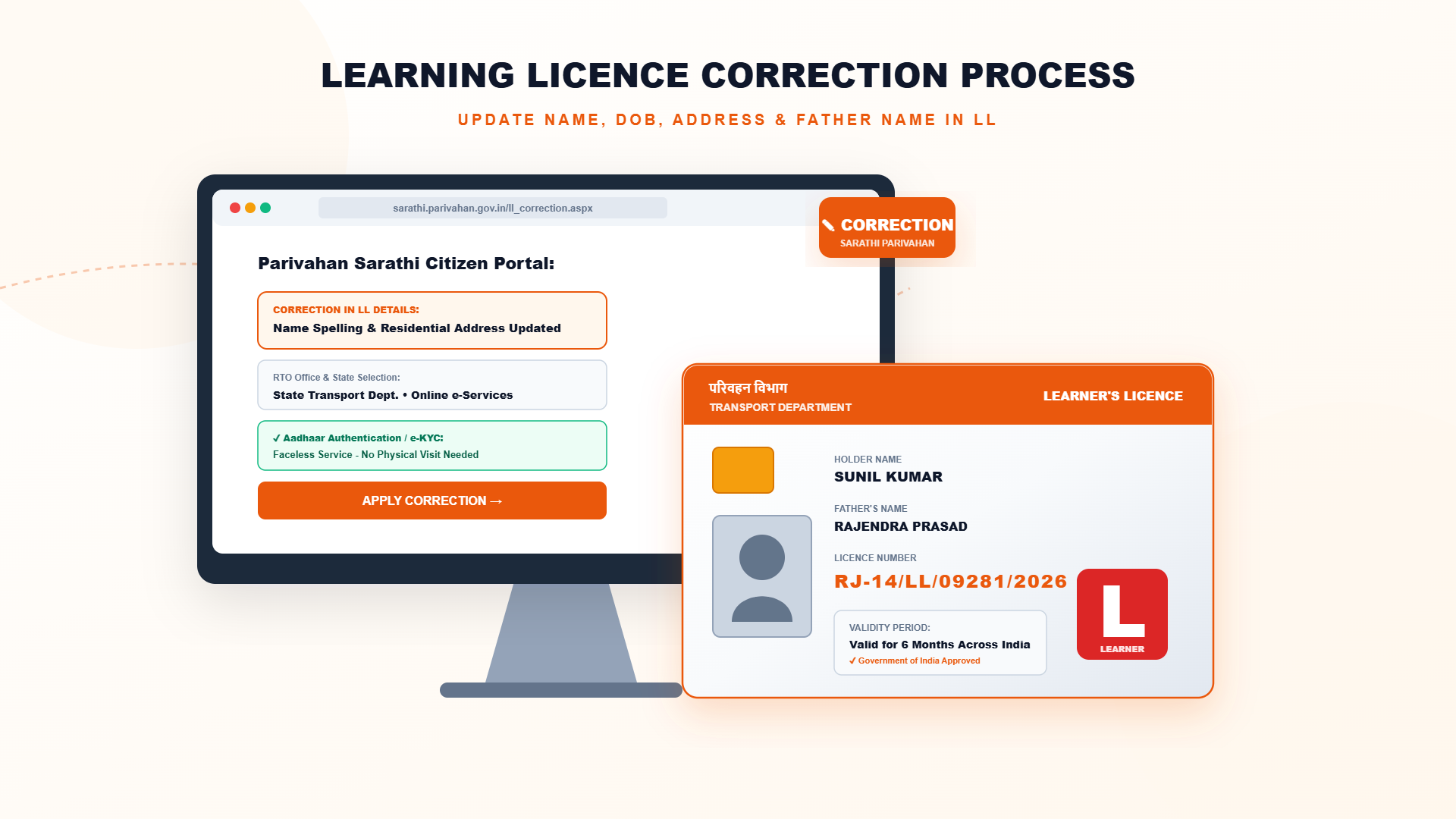
Learner's Licence (Learning Licence) Correction Online: Name, Address, Photo and Signature
Spelling mistakes in a name, an old address or a wrong photo or signature in your learner's licence can cause trouble at the driving test and later when you apply for the permanent licence. Most such details can be corrected through the Sarathi portal. This guide explains what can be corrected, the documents usually asked, the steps to follow and what to do when the online option is not available.
What Can You Correct in a Learner's Licence?
Sarathi lists separate services for the learner's licence section, mainly change of name, change of address, and change of photograph and signature. A lost or damaged licence is handled through the duplicate learner's licence service. The services shown can differ a little from state to state.
A wrong date of birth is a sensitive correction. It is often handled only after document verification, so ask your RTO what is required before you apply.
Documents to Keep Ready
- Your learner's licence number and date of birth.
- Proof for name correction: Aadhaar, Class 10 certificate, passport or a gazette notification, as applicable.
- Proof for address change: Aadhaar, electricity bill, bank passbook, ration card or a registered rent agreement.
- A recent passport-size photograph and a clear scan of your signature, if you are changing them.
- Online payment method for the prescribed fee.
Steps: Correct Learner's Licence Details Online
- Open sarathi.parivahan.gov.in and select your state.
- Go to the learner's licence services and choose the service you need: change of name, address or photo and signature.
- Enter your learner's licence number and date of birth, then verify the details shown.
- Enter the correct information and upload the supporting document.
- Pay the fee online and print the receipt.
- Submit the application and note the application number.
- Track the status. If the RTO asks for verification, visit with originals on the given date.
Which Service to Choose: Quick Table
| What is wrong | Service / action | Usual proof |
|---|---|---|
| Name spelling or name changed | Change of name in learner's licence | Aadhaar, Class 10 certificate or passport |
| Old or wrong address | Change of address in learner's licence | Aadhaar, utility bill or rent agreement |
| Photo or signature not clear | Change of photo and signature | Fresh photo and signature scan |
| Licence lost or damaged | Duplicate learner's licence | Application with ID proof |
| Date of birth wrong | Contact RTO for the procedure | Birth certificate or Class 10 certificate |
After Your Request Is Approved
Once the licensing authority approves the request, the record is updated and you can download the corrected learner's licence from Sarathi. Keep a print-out with you while driving, and use the corrected licence when you apply for the permanent driving licence so that the details match everywhere.
Important Precautions
- Make the correction before you book the driving test or apply for the driving licence, since mismatched details can lead to rejection.
- Enter details exactly as in your supporting documents.
- Use only the official portal. Do not pay agents extra.
- Check your mobile number in the record, because OTPs and status messages go to it.
- Keep the receipt and application number until the corrected licence is downloaded.
Need help with your Learner's Licence?
Contact the Emitrawala team on WhatsApp. We will guide you step by step.
Chat on WhatsApp Call: +91 94606 26065Frequently Asked Questions (FAQ)
Can I correct my name in the learner's licence online?
Yes, in most states through the change of name service on Sarathi, with a supporting document.
Can I change my address in the learner's licence?
Yes. Use the change of address service and upload a valid address proof.
Can I change the photo or signature?
Yes, there is a service for change of photo and signature. The requirement may vary by state.
How do I correct a wrong date of birth?
Please contact your RTO. It usually needs document verification and the procedure can differ by state.
Do I have to visit the RTO?
Many corrections are online, but some cases need document verification at the RTO.
Is there any fee?
A prescribed fee applies for most correction services. The portal shows the amount before payment.
Note: This information is based on the Parivahan Sarathi portal and public sources. Fees, test format, online test availability and renewal rules differ from state to state, so please confirm on sarathi.parivahan.gov.in or with your local RTO before you proceed.
लर्निंग लाइसेंस में सुधार ऑनलाइन कैसे करें: नाम, पता, फोटो और हस्ताक्षर
लर्निंग लाइसेंस में नाम की स्पेलिंग की गलती, पुराना पता या गलत फोटो-हस्ताक्षर ड्राइविंग टेस्ट और बाद में पक्के लाइसेंस के आवेदन में परेशानी खड़ी कर सकते हैं। ऐसी ज्यादातर जानकारी सारथी पोर्टल से सुधारी जा सकती है। इस गाइड में बताया गया है कि क्या सुधारा जा सकता है, कौन-से दस्तावेज लगते हैं, स्टेप क्या हैं और ऑनलाइन विकल्प न हो तो क्या करें।
लर्निंग लाइसेंस में क्या-क्या सुधार हो सकता है?
सारथी के लर्निंग लाइसेंस सेक्शन में अलग-अलग सेवाएं हैं, मुख्य रूप से नाम बदलना, पता बदलना और फोटो व हस्ताक्षर बदलना। लाइसेंस खोने या खराब होने पर डुप्लीकेट लर्निंग लाइसेंस की सेवा है। राज्य के अनुसार दिखने वाली सेवाएं थोड़ी अलग हो सकती हैं।
जन्म तिथि का सुधार संवेदनशील होता है और अक्सर दस्तावेज सत्यापन के बाद ही होता है, इसलिए आवेदन से पहले अपने RTO से पूछ लें कि क्या चाहिए।
जरूरी दस्तावेज
- आपका लर्निंग लाइसेंस नंबर और जन्म तिथि।
- नाम सुधार का प्रमाण: आधार, 10वीं का प्रमाण पत्र, पासपोर्ट या लागू होने पर गजट अधिसूचना।
- पता बदलने का प्रमाण: आधार, बिजली बिल, बैंक पासबुक, राशन कार्ड या पंजीकृत किराया समझौता।
- फोटो या हस्ताक्षर बदल रहे हों तो हाल की पासपोर्ट साइज फोटो और हस्ताक्षर की साफ स्कैन।
- तय शुल्क के लिए ऑनलाइन भुगतान का साधन।
स्टेप: ऑनलाइन लर्निंग लाइसेंस में सुधार
- sarathi.parivahan.gov.in खोलें और अपना राज्य चुनें।
- लर्निंग लाइसेंस सेवाओं में जाकर जरूरी सेवा चुनें: नाम, पता या फोटो-हस्ताक्षर बदलना।
- लर्निंग लाइसेंस नंबर और जन्म तिथि डालें और दिख रही जानकारी जांचें।
- सही जानकारी भरें और सहायक दस्तावेज अपलोड करें।
- फीस ऑनलाइन भरें और रसीद प्रिंट करें।
- आवेदन सबमिट करें और आवेदन संख्या नोट करें।
- स्थिति ट्रैक करें। RTO सत्यापन मांगे तो तय तारीख पर मूल दस्तावेज लेकर जाएं।
कौन-सी सेवा चुनें: त्वरित तालिका
| क्या गलत है | सेवा / कार्रवाई | आमतौर पर प्रमाण |
|---|---|---|
| नाम की स्पेलिंग या नाम बदल गया | लर्निंग लाइसेंस में नाम बदलना | आधार, 10वीं का प्रमाण पत्र या पासपोर्ट |
| पुराना या गलत पता | लर्निंग लाइसेंस में पता बदलना | आधार, बिल या किराया समझौता |
| फोटो या हस्ताक्षर साफ नहीं | फोटो और हस्ताक्षर बदलना | नई फोटो और हस्ताक्षर की स्कैन |
| लाइसेंस खोया या खराब | डुप्लीकेट लर्निंग लाइसेंस | पहचान प्रमाण के साथ आवेदन |
| जन्म तिथि गलत है | प्रक्रिया के लिए RTO से संपर्क करें | जन्म प्रमाण पत्र या 10वीं का प्रमाण पत्र |
अनुरोध मंजूर होने के बाद
लाइसेंसिंग अथॉरिटी की मंजूरी के बाद रिकॉर्ड अपडेट हो जाता है और आप सारथी से सुधारा हुआ लर्निंग लाइसेंस डाउनलोड कर सकते हैं। गाड़ी चलाते समय उसकी प्रिंट कॉपी साथ रखें, और पक्के ड्राइविंग लाइसेंस के आवेदन में यही सुधारा हुआ लाइसेंस उपयोग करें ताकि हर जगह जानकारी मेल खाए।
जरूरी सावधानियां
- ड्राइविंग टेस्ट बुक करने या ड्राइविंग लाइसेंस के आवेदन से पहले सुधार करवा लें, क्योंकि जानकारी में अंतर होने पर आवेदन रद्द हो सकता है।
- जानकारी बिल्कुल अपने सहायक दस्तावेजों जैसी भरें।
- सिर्फ आधिकारिक पोर्टल का उपयोग करें। एजेंटों को अतिरिक्त पैसे न दें।
- रिकॉर्ड में अपना मोबाइल नंबर जांच लें, क्योंकि OTP और स्थिति के संदेश उसी पर आते हैं।
- सुधरा हुआ लाइसेंस डाउनलोड होने तक रसीद और आवेदन संख्या संभालकर रखें।
लर्निंग लाइसेंस के काम में मदद चाहिए?
Emitrawala टीम से WhatsApp पर संपर्क करें। हम आपको स्टेप-बाय-स्टेप मार्गदर्शन देंगे।
WhatsApp पर चैट करें कॉल करें: +91 94606 26065अक्सर पूछे जाने वाले प्रश्न (FAQ)
क्या लर्निंग लाइसेंस में नाम ऑनलाइन सुधार सकते हैं?
हां, ज्यादातर राज्यों में सारथी की नाम बदलने वाली सेवा से, सहायक दस्तावेज के साथ।
क्या लर्निंग लाइसेंस में पता बदल सकते हैं?
हां। पता बदलने की सेवा चुनें और वैध पता प्रमाण अपलोड करें।
क्या फोटो या हस्ताक्षर बदल सकते हैं?
हां, फोटो और हस्ताक्षर बदलने की सेवा है। शर्तें राज्य के अनुसार अलग हो सकती हैं।
गलत जन्म तिथि कैसे सुधारें?
कृपया अपने RTO से संपर्क करें। इसमें आमतौर पर दस्तावेज सत्यापन होता है और प्रक्रिया राज्य के अनुसार अलग हो सकती है।
क्या RTO जाना जरूरी है?
कई सुधार ऑनलाइन होते हैं, लेकिन कुछ मामलों में RTO में दस्तावेज सत्यापन होता है।
क्या कोई फीस लगती है?
ज्यादातर सुधार सेवाओं पर तय शुल्क लगता है। भुगतान से पहले पोर्टल पर राशि दिख जाती है।
नोट: यह जानकारी परिवहन सारथी पोर्टल और सार्वजनिक स्रोतों पर आधारित है। फीस, टेस्ट का तरीका, ऑनलाइन टेस्ट की सुविधा और रिन्यूअल के नियम हर राज्य में अलग हो सकते हैं, इसलिए आगे बढ़ने से पहले sarathi.parivahan.gov.in पर या अपने RTO से जांच लें।
