
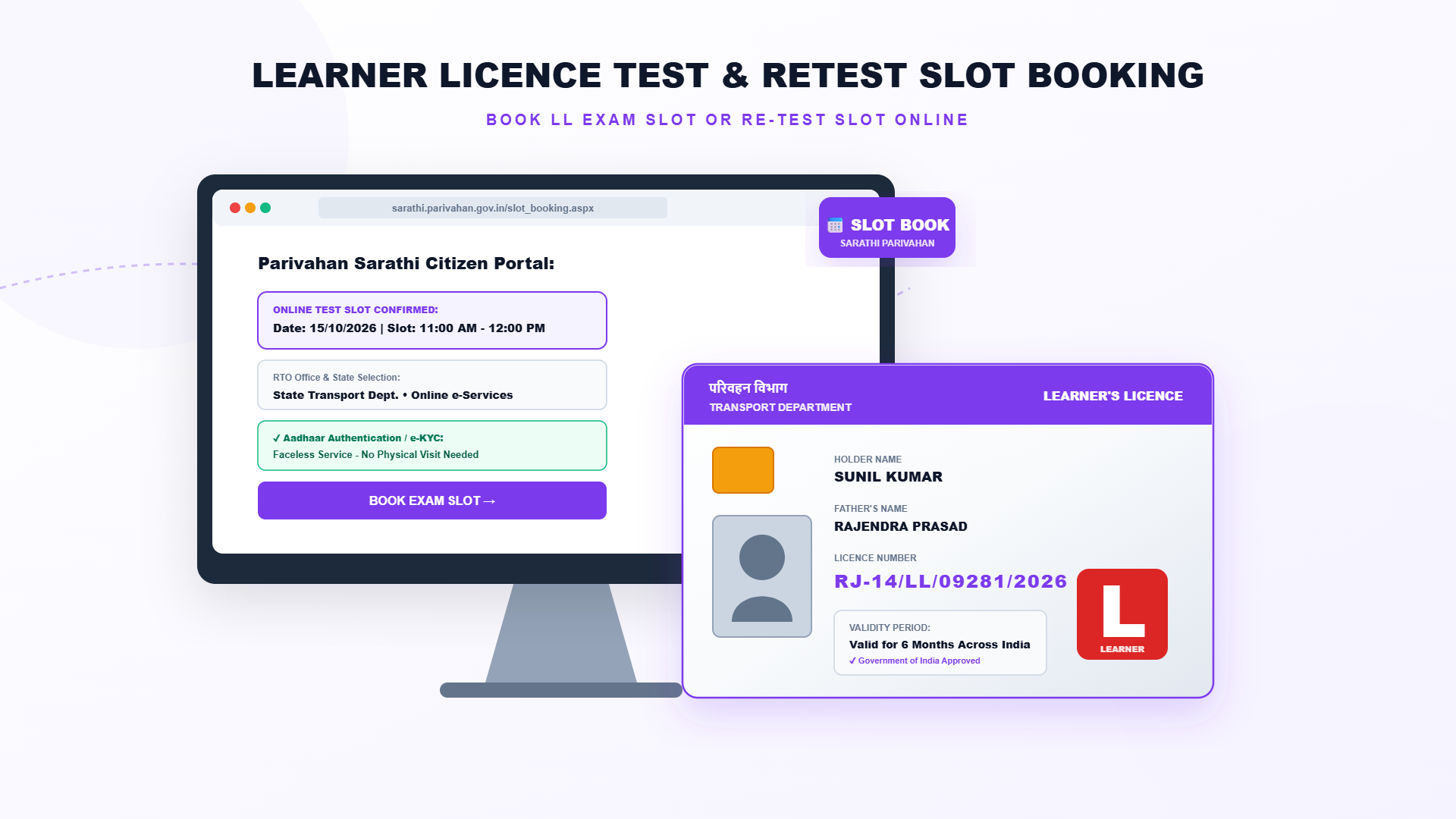
Learner's Licence Test Slot Booking and Retest Booking Online: Step-by-Step Guide
After applying for a learner's licence you must book a slot and pass the test on traffic rules and road signs. If you miss the slot or do not pass, you can book a retest. This guide explains how to book the slot on the Sarathi portal, how the online test from home works, the retest fee and common problems.
Before You Book the Slot
Slot booking comes after you have filled the application and paid the fee. If you have not done that yet, start with the learner's licence application first. Many states let you choose between an RTO test slot and an online test from home, so check which options your state offers.
What You Need Before You Start
- Your application number and date of birth.
- The fee payment receipt, printed or saved on your phone.
- For an RTO test: original documents and Form 1 as asked by your RTO.
- For an online test: a phone or laptop with camera, stable internet and Aadhaar authentication.
Steps: Book a Learner's Licence Test Slot
- Open sarathi.parivahan.gov.in and select your state.
- Go to the Appointments or slot booking section and choose LL Test Slot Booking.
- Enter your application number and date of birth.
- Select the RTO, date and time slot that suits you.
- Confirm the booking and print the slot receipt.
- On the test day, reach the RTO on time with your receipt and original documents. For an online test, log in at the allowed time.
How to Book a Retest
| Situation | What to do |
|---|---|
| You failed the test | Pay the retest fee (about ₹50 per attempt) and book a new slot. A gap of a few days is usually needed before the next attempt |
| You missed your slot | Check whether your state lets you rebook on Sarathi. Otherwise ask the RTO |
| You want to change the date | Use the reschedule option if available, or contact the RTO |
| Learner's licence application is close to expiry | Book the earliest slot. The application must still be valid on the test date |
Tips for the Online Test from Home
- Sit in a quiet, well-lit place and keep your face clearly visible to the camera.
- Keep your phone charged and your internet stable before you log in.
- Study the rules and road signs from the official booklet or the mParivahan app.
- Read each question carefully. The test is of objective type and the pass mark depends on your state.
Important Precautions
- Book only through the official portal. Never pay an agent for a slot.
- Check the date, time and RTO name before confirming.
- Do not miss the test, since extra attempts mean extra fees and time.
- Keep your application number safe to download the licence after you pass.
Need help with your Learner's Licence?
Contact the Emitrawala team on WhatsApp. We will guide you step by step.
Chat on WhatsApp Call: +91 94606 26065Frequently Asked Questions (FAQ)
How do I book the learner's licence test slot?
Open Sarathi, select your state, go to Appointments, choose LL Test Slot Booking, and enter your application number and date of birth.
Can I take the test from home?
Many states offer an online test with Aadhaar authentication. Check if your state does.
What if I fail the test?
You can book a retest after paying the test fee again.
How much is the retest fee?
The indicative fee is about ₹50 per attempt. Please check the exact amount for your state.
What if my learner's licence application expires before I pass?
You may have to apply again, so book the earliest slot available.
When do I get the licence after passing?
It is issued digitally after the test result. Download it using your application number and date of birth.
Note: This information is based on the Parivahan Sarathi portal and public sources. Fees, test format, online test availability and renewal rules differ from state to state, so please confirm on sarathi.parivahan.gov.in or with your local RTO before you proceed.
लर्निंग लाइसेंस टेस्ट स्लॉट बुकिंग और रीटेस्ट बुकिंग ऑनलाइन कैसे करें
लर्निंग लाइसेंस के लिए आवेदन करने के बाद स्लॉट बुक करके ट्रैफिक नियमों और रोड साइन का टेस्ट पास करना होता है। स्लॉट छूट जाए या पास न हो पाएं, तो रीटेस्ट बुक कर सकते हैं। इस गाइड में सारथी पोर्टल पर स्लॉट बुकिंग, घर बैठे ऑनलाइन टेस्ट, रीटेस्ट की फीस और आम समस्याओं की जानकारी है।
स्लॉट बुक करने से पहले
स्लॉट बुकिंग तब होती है जब आप आवेदन भर चुके हों और फीस जमा कर चुके हों। अगर अभी यह नहीं किया है तो पहले लर्निंग लाइसेंस का आवेदन करें। कई राज्य RTO टेस्ट स्लॉट और घर से ऑनलाइन टेस्ट, दोनों में से चुनने देते हैं, इसलिए देख लें कि आपके राज्य में कौन-से विकल्प हैं।
शुरू करने से पहले क्या चाहिए
- आपकी आवेदन संख्या और जन्म तिथि।
- फीस भुगतान की रसीद, प्रिंट या फोन में सेव।
- RTO टेस्ट के लिए: मूल दस्तावेज और RTO द्वारा मांगा गया फॉर्म 1।
- ऑनलाइन टेस्ट के लिए: कैमरे वाला फोन या लैपटॉप, स्थिर इंटरनेट और आधार प्रमाणीकरण।
स्टेप: लर्निंग लाइसेंस टेस्ट स्लॉट बुक करें
- sarathi.parivahan.gov.in खोलें और अपना राज्य चुनें।
- Appointments या स्लॉट बुकिंग सेक्शन में जाकर LL Test Slot Booking चुनें।
- अपनी आवेदन संख्या और जन्म तिथि डालें।
- अपनी सुविधा का RTO, तारीख और समय स्लॉट चुनें।
- बुकिंग की पुष्टि करें और स्लॉट की रसीद प्रिंट करें।
- टेस्ट के दिन रसीद और मूल दस्तावेजों के साथ समय पर RTO पहुंचें। ऑनलाइन टेस्ट हो तो तय समय पर लॉगिन करें।
रीटेस्ट कैसे बुक करें
| स्थिति | क्या करें |
|---|---|
| टेस्ट में पास नहीं हुए | रीटेस्ट फीस (प्रति प्रयास लगभग ₹50) भरकर नया स्लॉट बुक करें। अगले प्रयास से पहले आमतौर पर कुछ दिनों का अंतर जरूरी होता है |
| स्लॉट छूट गया | देखें कि आपके राज्य में सारथी पर दोबारा बुकिंग की सुविधा है या नहीं। नहीं तो RTO से पूछें |
| तारीख बदलनी है | रीशेड्यूल विकल्प हो तो उसका उपयोग करें, या RTO से संपर्क करें |
| लर्निंग लाइसेंस आवेदन की अवधि पास आ गई है | जल्द से जल्द का स्लॉट बुक करें। टेस्ट की तारीख पर आवेदन वैध होना चाहिए |
घर बैठे ऑनलाइन टेस्ट के लिए टिप्स
- शांत, अच्छी रोशनी वाली जगह बैठें और चेहरा कैमरे में साफ दिखे।
- लॉगिन से पहले फोन चार्ज रखें और इंटरनेट स्थिर रखें।
- आधिकारिक बुकलेट या mParivahan ऐप से नियम और रोड साइन पढ़ लें।
- हर प्रश्न ध्यान से पढ़ें। टेस्ट ऑब्जेक्टिव होता है और पासिंग अंक राज्य पर निर्भर करते हैं।
जरूरी सावधानियां
- बुकिंग सिर्फ आधिकारिक पोर्टल से करें। स्लॉट के लिए किसी एजेंट को पैसे न दें।
- पुष्टि करने से पहले तारीख, समय और RTO का नाम जांच लें।
- टेस्ट मिस न करें, क्योंकि हर अतिरिक्त प्रयास पर फीस और समय लगता है।
- पास होने के बाद लाइसेंस डाउनलोड करने के लिए आवेदन संख्या संभालकर रखें।
लर्निंग लाइसेंस के काम में मदद चाहिए?
Emitrawala टीम से WhatsApp पर संपर्क करें। हम आपको स्टेप-बाय-स्टेप मार्गदर्शन देंगे।
WhatsApp पर चैट करें कॉल करें: +91 94606 26065अक्सर पूछे जाने वाले प्रश्न (FAQ)
लर्निंग लाइसेंस टेस्ट का स्लॉट कैसे बुक करें?
सारथी खोलें, राज्य चुनें, Appointments में जाकर LL Test Slot Booking चुनें और आवेदन संख्या व जन्म तिथि डालें।
क्या घर से टेस्ट दे सकते हैं?
कई राज्य आधार प्रमाणीकरण के साथ ऑनलाइन टेस्ट देते हैं। देखें कि आपके राज्य में है या नहीं।
टेस्ट में फेल हो जाऊं तो?
टेस्ट फीस दोबारा भरकर रीटेस्ट बुक कर सकते हैं।
रीटेस्ट की फीस कितनी है?
संकेतात्मक फीस प्रति प्रयास लगभग ₹50 है। अपने राज्य की सही राशि देखें।
अगर पास होने से पहले मेरा आवेदन एक्सपायर हो जाए तो?
नया आवेदन करना पड़ सकता है, इसलिए सबसे जल्दी का स्लॉट बुक करें।
पास होने के बाद लाइसेंस कब मिलता है?
टेस्ट के नतीजे के बाद यह डिजिटल रूप में जारी होता है। आवेदन संख्या और जन्म तिथि से डाउनलोड करें।
नोट: यह जानकारी परिवहन सारथी पोर्टल और सार्वजनिक स्रोतों पर आधारित है। फीस, टेस्ट का तरीका, ऑनलाइन टेस्ट की सुविधा और रिन्यूअल के नियम हर राज्य में अलग हो सकते हैं, इसलिए आगे बढ़ने से पहले sarathi.parivahan.gov.in पर या अपने RTO से जांच लें।
