
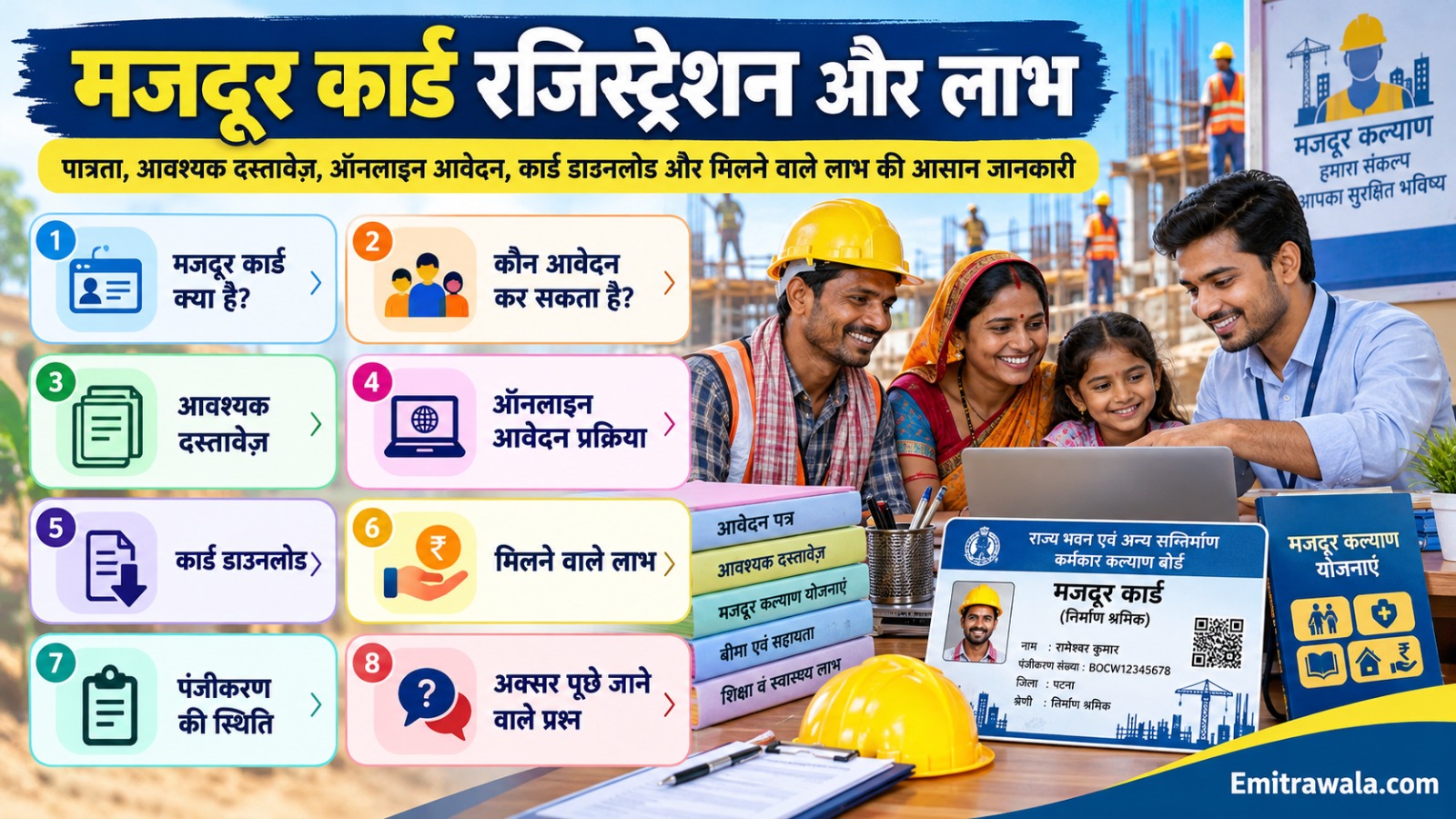
Rajasthan Labour Card (LDMS) 2026: Apply Online, Documents, Eligibility, Renewal and Status Check
The Rajasthan labour card (BOCW registration) opens the door to construction worker welfare schemes. Here is how to register through SSO and LDMS, who is eligible, which documents are needed, and how to renew and check status.
Key Points
- The labour card is the registration of a construction worker under the Rajasthan Building and Other Construction Workers (BOCW) Welfare Board. Applications are made through the Labour Department Management System (LDMS) using your Rajasthan SSO ID.
- A registered worker can claim welfare schemes such as help for daughters' marriage and education, maternity and illness aid, tools assistance, housing support and skill or exam coaching reimbursement. Each scheme has its own conditions.
- It is not the same as a NREGA job card or the central e-Shram card.
- Fees, forms and menu names can change, so follow what the LDMS screen shows.
Eligibility
- Working in building or other construction work as defined in the BOCW Act
- Age between 18 and 60 years
- Worked at least 90 days in construction in the last 12 months
- Resident of Rajasthan
- Not a member of any other welfare board or fund
- Aadhaar linked with an active mobile number and a bank account in your own name
How to Apply Online (LDMS)
- Create or log in to your Rajasthan SSO ID at sso.rajasthan.gov.in.
- Open the LDMS (Labour Department Management System) app from the SSO dashboard.
- Go to Registration/Renewal and select the registration form under the BOCW Act.
- Fill in personal, family, work and bank details carefully.
- Upload your documents, including the 90 days work certificate.
- Submit and note the acknowledgement number. The Labour Department verifies the application, and the registration is approved after checking.
- Prefer help? Many workers apply with the help of an e-Mitra kiosk or the district Labour Department office. Offline forms are available at the district BOCW office.
Documents Required
- Aadhaar card and Jan Aadhaar (or Bhamashah) card
- Recent passport-size photograph
- Bank passbook first page (account in your name)
- Mobile number linked with Aadhaar
- Age proof: Aadhaar, birth certificate or school certificate
- Address proof
- Work certificate for at least 90 days in the last 12 months, issued by contractor or employer, or a self-declaration attested as the form asks
- e-Shram card details, if the form asks
Renewal and Status Check
- Log in to LDMS with your SSO ID.
- Open Registration/Renewal and choose renewal under the relevant labour act.
- Update personal and work details, and attach proof of continued work.
- Pay the renewal fee shown on screen and save the receipt.
- To check status, use the Verify Registration / Application Status option on the Labour Department portal with your application number.
Precautions
- Do not take a labour card from agents who charge extra. Registration is done on the official portal.
- Do not give a false work certificate. Wrong information can cancel your registration.
- Renew on time. A lapsed card can stop scheme benefits.
- Keep your mobile and bank details updated on LDMS.
Frequently Asked Questions
Where do I apply for the Rajasthan labour card?
Online through your SSO ID and the LDMS app, or offline at the district Labour Department (BOCW) office.
Who can get a labour card?
Construction workers aged 18 to 60 who have worked at least 90 days in the last 12 months and live in Rajasthan.
Is a labour card the same as an e-Shram card?
No. The labour card is a state BOCW registration. e-Shram is a central portal for unorganised workers.
How do I renew my labour card?
Log in to LDMS with SSO, choose Registration/Renewal, update details, attach proof and pay the fee.
How can I check my registration status?
Use the status or verification option on the Labour Department portal with your application number.
Official Links
- Use only official government portals. Official services are free or have a fixed fee, so do not pay agents extra, and never share your OTP, Aadhaar or bank details with a caller.
Need Help?
Facing trouble with the labour card (LDMS) process? Send your details on WhatsApp and the Emitrawala.com team will guide you.
Get Help on WhatsApp Call: +91 94606 26065Disclaimer: Emitrawala.com is not a government website. This page is for information only and is based on official portals and news reports. Rules, fees, dates and portal screens can change, so confirm on the official portal or at your e-Mitra before acting.
राजस्थान लेबर कार्ड (LDMS) 2026: ऑनलाइन आवेदन, दस्तावेज़, पात्रता, नवीनीकरण और स्टेटस चेक
राजस्थान लेबर कार्ड (BOCW पंजीकरण) से निर्माण श्रमिकों को कल्याणकारी योजनाओं का लाभ मिलता है। जानिए SSO और LDMS से पंजीकरण कैसे करें, कौन पात्र है, कौन से दस्तावेज़ लगते हैं और नवीनीकरण व स्टेटस कैसे देखें।
मुख्य बातें
- लेबर कार्ड राजस्थान भवन एवं अन्य सन्निर्माण कर्मकार कल्याण बोर्ड (BOCW) में निर्माण श्रमिक का पंजीकरण है। आवेदन राजस्थान SSO ID से श्रम विभाग प्रबंधन प्रणाली (LDMS) में किया जाता है।
- पंजीकृत श्रमिक बेटियों की शादी व शिक्षा सहायता, प्रसूति व बीमारी सहायता, औज़ार सहायता, आवास सहायता और कौशल/परीक्षा कोचिंग प्रतिपूर्ति जैसी योजनाओं का दावा कर सकते हैं। हर योजना की अपनी शर्तें हैं।
- यह नरेगा जॉब कार्ड या केंद्र के e-Shram कार्ड जैसा नहीं है।
- शुल्क, फॉर्म और मेनू के नाम बदल सकते हैं, इसलिए LDMS स्क्रीन जो दिखाए उसी का पालन करें।
पात्रता
- BOCW अधिनियम में बताए गए भवन या अन्य निर्माण कार्य में लगे हों
- आयु 18 से 60 वर्ष के बीच
- पिछले 12 माह में कम से कम 90 दिन निर्माण कार्य किया हो
- राजस्थान के निवासी हों
- किसी अन्य कल्याण बोर्ड या निधि के सदस्य न हों
- आधार सक्रिय मोबाइल नंबर से जुड़ा हो और बैंक खाता स्वयं के नाम हो
ऑनलाइन आवेदन कैसे करें (LDMS)
- sso.rajasthan.gov.in पर अपनी राजस्थान SSO ID बनाएं या लॉगिन करें।
- SSO डैशबोर्ड से LDMS (श्रम विभाग प्रबंधन प्रणाली) ऐप खोलें।
- Registration/Renewal में जाकर BOCW अधिनियम के अंतर्गत पंजीकरण फॉर्म चुनें।
- व्यक्तिगत, पारिवारिक, कार्य और बैंक विवरण ध्यान से भरें।
- 90 दिन के कार्य प्रमाण सहित दस्तावेज़ अपलोड करें।
- सबमिट करें और acknowledgement नंबर नोट करें। श्रम विभाग जांच के बाद पंजीकरण स्वीकृत करता है।
- मदद चाहिए? कई श्रमिक e-Mitra कियोस्क या जिला श्रम विभाग कार्यालय की मदद से आवेदन करते हैं। ऑफलाइन फॉर्म जिला BOCW कार्यालय में मिलते हैं।
आवश्यक दस्तावेज़
- आधार कार्ड और जन आधार (या भामाशाह) कार्ड
- हाल का पासपोर्ट साइज़ फोटो
- बैंक पासबुक का पहला पेज (खाता आपके नाम)
- आधार से जुड़ा मोबाइल नंबर
- आयु प्रमाण: आधार, जन्म प्रमाण पत्र या स्कूल प्रमाण पत्र
- पते का प्रमाण
- पिछले 12 माह में कम से कम 90 दिन कार्य का प्रमाण, ठेकेदार/नियोक्ता द्वारा जारी, या फॉर्म के अनुसार सत्यापित स्वघोषणा
- e-Shram कार्ड का विवरण, यदि फॉर्म मांगे
नवीनीकरण और स्टेटस चेक
- LDMS में अपनी SSO ID से लॉगिन करें।
- Registration/Renewal खोलें और संबंधित श्रम अधिनियम के अंतर्गत नवीनीकरण चुनें।
- व्यक्तिगत और कार्य विवरण अपडेट करें और निरंतर कार्य का प्रमाण लगाएं।
- स्क्रीन पर दिखाया गया नवीनीकरण शुल्क जमा करें और रसीद सुरक्षित रखें।
- स्टेटस देखने के लिए श्रम विभाग पोर्टल पर आवेदन संख्या के साथ Verify Registration / Application Status विकल्प उपयोग करें।
सावधानियां
- अतिरिक्त पैसे लेने वाले एजेंट से लेबर कार्ड न बनवाएं। पंजीकरण आधिकारिक पोर्टल पर होता है।
- झूठा कार्य प्रमाण पत्र न लगाएं। गलत जानकारी से पंजीकरण रद्द हो सकता है।
- समय पर नवीनीकरण कराएं। कार्ड समाप्त होने पर योजनाओं का लाभ रुक सकता है।
- LDMS पर अपना मोबाइल और बैंक विवरण अपडेट रखें।
Frequently Asked Questions
राजस्थान लेबर कार्ड के लिए आवेदन कहां करें?
SSO ID और LDMS ऐप से ऑनलाइन, या जिला श्रम विभाग (BOCW) कार्यालय में ऑफलाइन।
लेबर कार्ड किसे मिल सकता है?
18 से 60 वर्ष के निर्माण श्रमिक जिन्होंने पिछले 12 माह में कम से कम 90 दिन काम किया हो और जो राजस्थान में रहते हों।
क्या लेबर कार्ड और e-Shram कार्ड एक ही हैं?
नहीं। लेबर कार्ड राज्य का BOCW पंजीकरण है। e-Shram असंगठित श्रमिकों के लिए केंद्र का पोर्टल है।
लेबर कार्ड का नवीनीकरण कैसे करें?
SSO से LDMS में लॉगिन करें, Registration/Renewal चुनें, विवरण अपडेट करें, प्रमाण लगाएं और शुल्क जमा करें।
रजिस्ट्रेशन स्टेटस कैसे देखें?
आवेदन संख्या के साथ श्रम विभाग पोर्टल के स्टेटस या सत्यापन विकल्प का उपयोग करें।
Official Links
- Use only official government portals. Official services are free or have a fixed fee, so do not pay agents extra, and never share your OTP, Aadhaar or bank details with a caller.
Need Help?
लेबर कार्ड (LDMS) की प्रक्रिया में परेशानी आ रही है? Send your details on WhatsApp and the Emitrawala.com team will guide you.
Get Help on WhatsApp Call: +91 94606 26065Disclaimer: Emitrawala.com is not a government website. This page is for information only and is based on official portals and news reports. Rules, fees, dates and portal screens can change, so confirm on the official portal or at your e-Mitra before acting.
