How to Create an IRCTC ID (New Account Registration)
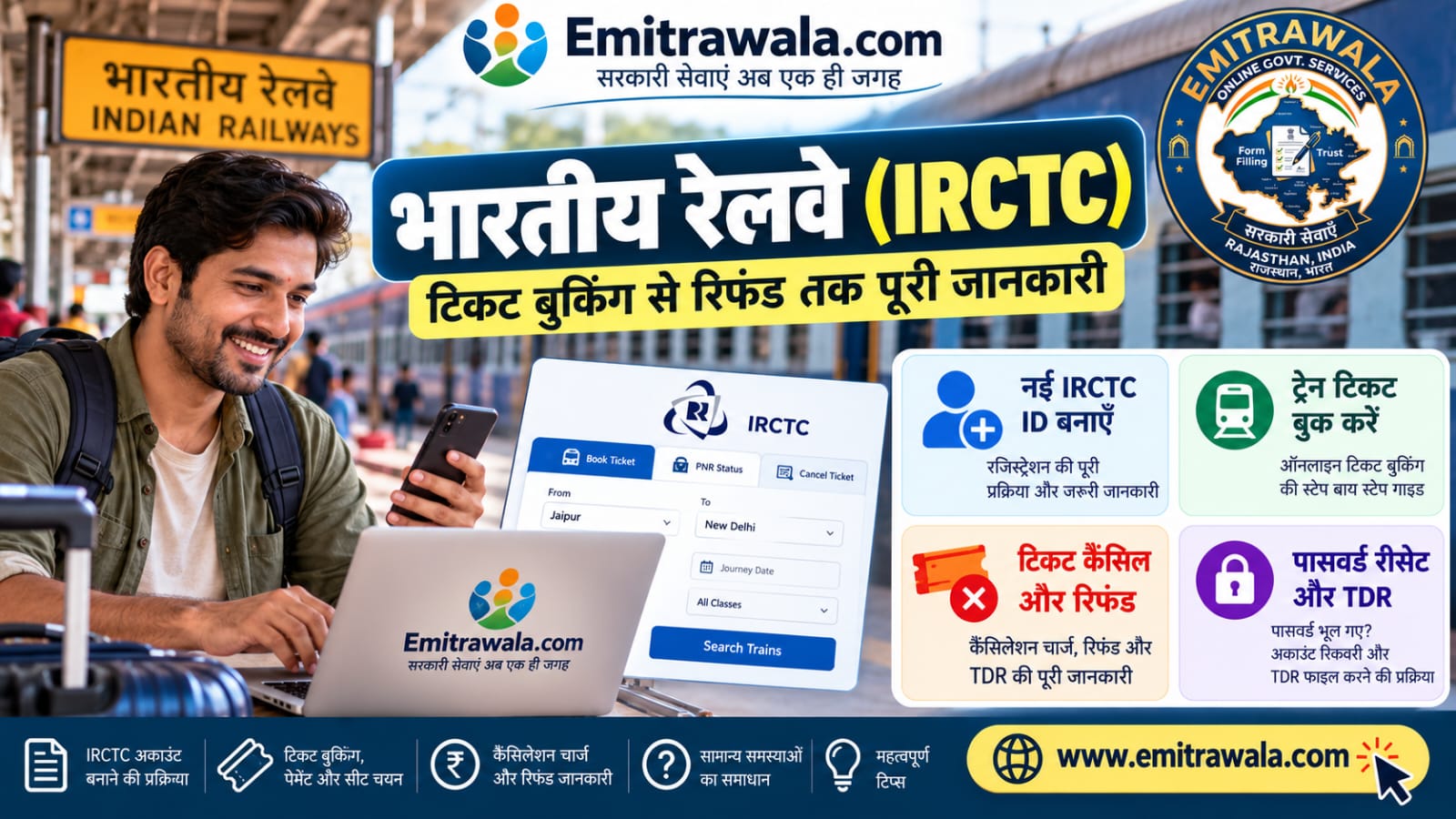
You need a free IRCTC account to book tickets online. Registration takes a few minutes with your mobile number and email. Here is the full step-by-step process.
Key Points
- Register on irctc.co.in or the IRCTC Rail Connect app. Use only the official site.
- You need an active mobile number and email ID for OTP verification.
- As reported, one mobile number and one email can be used for one IRCTC account, so check first if you already have an ID.
- Verify Aadhaar after registering if you want to book Tatkal tickets online.
Steps to Register
- Open irctc.co.in and click Register, or open the app and tap Login > Register.
- Choose a unique User ID and a strong Password.
- Select a security question and enter its answer.
- Fill personal details: name, date of birth, gender, occupation and address.
- Enter your mobile number and email ID.
- Accept the terms and click Register.
- Enter the OTP received on your mobile and email to verify.
- Log in with your User ID and password.
Common Problems and Fixes
| Problem | What to do |
|---|---|
| User ID not available | Add numbers or change letters until the ID is unique |
| Mobile or email already registered | You may already have an ID. Use Forgot User ID or Forgot Password |
| OTP not coming | Check network and spam folder. Retry after the timer ends |
| Password rejected | Use the mix of letters and numbers asked on screen |
- Check on screen: field rules (User ID length, password rules, charges) can change. Follow the exact message shown on the official IRCTC website or app.
After Registration
- Log in once to check that your account works.
- Add frequent travellers to the Master List.
- Verify Aadhaar from My Profile for Tatkal booking.
Frequently Asked Questions
Is IRCTC registration free?
Yes, for normal users. Do not pay an agent.
Can I create the ID on mobile?
Yes, using the IRCTC Rail Connect app or the website.
Can I change my User ID?
The User ID generally cannot be changed. You would need a new account.
Do I need Aadhaar to register?
No, but Aadhaar verification is needed for online Tatkal booking.
Official Links
- Use only the official IRCTC website or app. Never click refund links from SMS or WhatsApp, and never share your OTP, card PIN or CVV. IRCTC e-ticket helpline: 14646.
Need Help?
Facing trouble with your IRCTC refund, TDR or Aadhaar verification? Send your details on WhatsApp and the Emitrawala.com team will guide you.
Get Help on WhatsApp Call: +91 94606 26065Disclaimer: Emitrawala.com is not a government website and is not connected with IRCTC or Indian Railways. This page is for information only and is based on railway announcements and news reports. Rules, charges and app screens can change, so confirm on the official IRCTC website or app before acting.