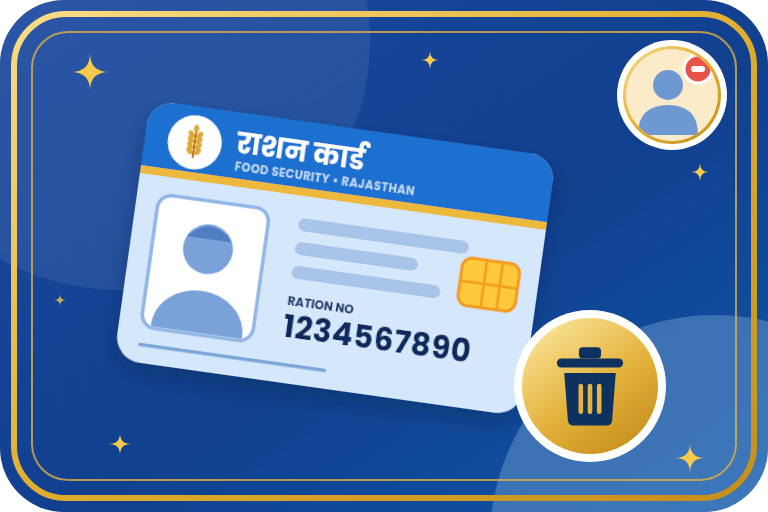
How to Delete a Member from a Ration Card: Rajasthan Process
When a member dies, moves to another family after marriage or settles elsewhere permanently, the name should be removed from the ration card. In Rajasthan this is done through Jan Aadhaar and e-Mitra. This guide gives the steps, documents and points to remember.
Key Points
- We did not find a separate 'delete member' option among the RRCC portal services. This work is usually done through e-Mitra or the district food office.
- Jan Aadhaar also has a facility to cancel a member's registration. For death or duplicate members, the application is made at e-Mitra.
- After a daughter's marriage, it is better to get her name added in the new family's ration card/Jan Aadhaar before removing it, so that her ration is not interrupted.
- Proof of the reason (death or marriage certificate) is required to remove a name.
Process to Remove a Member's Name
- Decide the reason for removal: death, marriage, permanent shifting or duplicate name.
- Keep the required certificates ready (death certificate, marriage certificate etc.) along with copies of the ration card and Jan Aadhaar.
- Visit your nearest e-Mitra centre and say that you want to remove a member's name under ration card correction.
- Also apply to remove the same member or cancel registration in Jan Aadhaar. This can be done at e-Mitra or with your SSO ID.
- Fill in the details of the members to be removed in the form and attach the documents.
- Submit the application and take the receipt. The department makes the change after verification.
- After a few days, download the ration card from RRCC and check that the name is removed.
Documents by Reason
| Reason | Documents usually needed |
|---|---|
| Death | Death certificate, applicant's Aadhaar, copies of ration card and Jan Aadhaar |
| Marriage | Marriage certificate, Aadhaar, details of the new family's card/Jan Aadhaar |
| Permanent shifting | Aadhaar, proof of new address, copy of ration card |
| Duplicate name | Aadhaar and details of the card/Jan Aadhaar at both places |
Common Problems and Solutions
- Name not removed: Go to the district food office with your e-Mitra receipt.
- No death certificate: First get the death registered with the municipality/gram panchayat and take the certificate.
- No card in the new family: First get the member added there, then remove from the old card.
- Less ration after removal: This is natural because ration depends on the number of members.
Important Links
- Jan Aadhaar Portal
- e-Mitra Portal
- Rajasthan SSO Portal
- Food & Civil Supplies Dept, Rajasthan
- RRCC Ration Card Portal
- Rajasthan Sampark (Grievance), helpline 181
Important Points
- If the whole family wants to leave Food Security voluntarily, RRCC has a separate 'Give-up' option for that.
- Portal menus and screens can change. If an option is missing, confirm with your district food office or e-Mitra.
- Do not pay more than the fixed fee for a government service. If more is asked, complain on 181.
- Never share your Aadhaar OTP or password with anyone.
Frequently Asked Questions
Can a member's name be removed online?
We did not find a member-removal service on RRCC. Apply through e-Mitra and confirm with your food office.
Is it necessary to remove the name after a death?
Yes, so that the record stays correct and there is no misuse of ration in the deceased's name.
Do I also need to remove the name in Jan Aadhaar?
Jan Aadhaar also allows cancelling a member's registration. It is sensible to do this for a death or a duplicate.
Need Help?
If you are stuck with any ration card, Jan Aadhaar or e-Mitra work, contact Emitrawala.com. Our team will be happy to help you.
Contact on WhatsApp Call: +91 94606 26065Emitrawala.com is not a government website. This page is for information only. Rules and processes can change, so confirm with the official portal or department before applying.