How to Transfer a Member or Split a Family in Jan Aadhaar: Complete Process (2026)
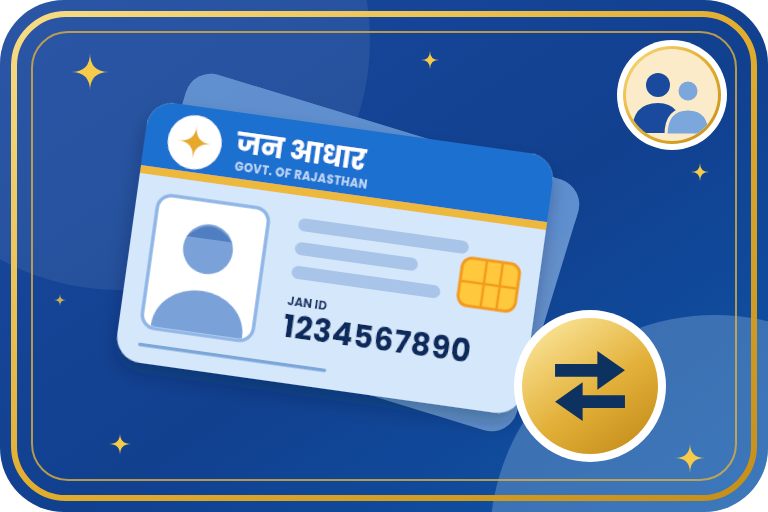
When a member moves to another household, or a family wants a separate Jan Aadhaar of its own, you do not need to enrol again from the start. Jan Aadhaar lets you transfer a head or a member to another Jan Aadhaar family, split a family into a new Jan Aadhaar, merge two enrolments and change the head. This guide explains each option, the rules, the fee and the step-by-step process.
Key Points
- Transfer moves a head or a member from one Jan Aadhaar family to another.
- Split creates a new Jan Aadhaar for a part of the family. The member who becomes the new head must qualify as head.
- Merge joins two or more enrolments of the same family into one.
- Transfer, split and change of head can be done 5 times. The first is free and later ones cost Rs 25 each (as reported for 2026).
- No edit is possible until e-KYC of the head and all members is complete.
- Every change goes through two-level verification before it shows in the record.
Which Option Should You Use?
| Situation | Option |
|---|---|
| A woman moves to her husband's home after marriage | Transfer her from her parents' Jan Aadhaar to her husband's |
| A member moves to a relative's household for good | Transfer the member to that family's Jan Aadhaar |
| A married son or an elder member wants a separate household record | Split the family into a new Jan Aadhaar |
| The same family has two enrolments | Merge them into one |
| The head has died, moved away or should change | Change the head of the family |
| A member has died | Remove the member (automatic if the Jan Aadhaar number was given for the death certificate) |
Rules for the New Head and the New Family
- The head must be a woman aged 18 years or more. If there is none, a man aged 21 years or more. If neither is available, the eldest member.
- For a split, the member who will head the new family must meet this rule.
- The new family needs a valid bank account in the name of its head.
- Every member above 5 years needs Aadhaar and must complete e-KYC.
- Details are entered in Hindi and English.
Documents Required
- Jan Aadhaar number of the family. For a transfer, also the Jan Aadhaar number of the family the member is going to.
- Aadhaar of the head or an adult member for OTP authentication, and Aadhaar of the members moving.
- Address proof for the new household in case of a split.
- Bank account details of the new head in case of a split.
- Any proof the portal or verifying officer asks for, such as marriage proof for a transfer after marriage.
Steps: Transfer a Member
- Open sso.rajasthan.gov.in, log in with your SSO ID and open the Jan Aadhaar app.
- Enter your Jan Aadhaar number and complete Aadhaar OTP authentication.
- Choose the option to transfer a head or member to another Jan Aadhaar family.
- Select the member and enter the Jan Aadhaar number of the family where the member is going.
- Upload the documents asked and complete the e-Sign.
- The request goes for two-level verification. After approval the member shows in the new family and no longer in the old one.
- Check that the member's e-KYC and the new family's records are complete.
Steps: Split a Family into a New Jan Aadhaar
- Log in to the Jan Aadhaar app through your SSO ID and authenticate with Aadhaar.
- Choose the option to split the family.
- Select the members who will form the new family and mark the one who will be the head.
- Enter the address and the bank account of the new head and upload the documents.
- Complete the e-Sign. The request goes for two-level verification.
- After approval a new Jan Aadhaar ID is issued once e-KYC and the new head's bank details are complete.
Fee and Limit (from 1 June 2026)
| Change | Limit | Fee |
|---|---|---|
| Family split, transfer of family or member, change of head | 5 times | First free, then Rs 25 each |
| Adding a member, removing a member on death | Once | Free |
- These are as reported from Circular-10 dated 7 May 2026 for updates through your own SSO ID. At e-Mitra the prescribed e-Mitra fee applies. Removal of a living member for any reason other than death needs the second-level verifier's recommendation and the District Collector's approval.
Common Problems and Solutions
- Cannot start the change: e-KYC of the head or a member is pending. Finish it first.
- Split not allowed: The member chosen as head does not meet the head rule, or the new family has no valid bank account.
- Member shows in two families: Complete the transfer so that the person is in one family only.
- Request stuck: Check Jan Aadhaar Status. Pending at citizen means the e-Sign is not done.
- Bank NPCI pending after a split: Wait for NPCI. If it takes more than 5 days after the second-level check, the District Statistics Office can verify it.
Important Points
- Rules, fees and menu names can change. Confirm on the official portal before you proceed.
- Plan the change so that you use the limited free attempt correctly.
- Helpline: toll free 181 or the Jan Aadhaar helpdesk 0141-2850287 and 0141-2923377 (10 AM to 6 PM). Emitrawala.com is not a government website.
Need Help?
If you need help with transferring a member or splitting a family in Jan Aadhaar, contact Emitrawala.com. Our team will be happy to help you.
Contact on WhatsApp Call: +91 94606 26065Frequently Asked Questions (FAQ)
What is the difference between transfer and split?
Transfer moves a member to another existing Jan Aadhaar family. Split makes a new Jan Aadhaar for a part of your family.
Is it free?
The first change is free. Later changes carry a fee of Rs 25 each, as reported for 2026.
Who can become the head in a split?
A woman aged 18 or more, otherwise a man aged 21 or more, otherwise the eldest member.
Do I need e-KYC first?
Yes. No edit is possible until e-KYC is complete.
Where can I do it?
On your SSO ID in the Jan Aadhaar app, or at an e-Mitra centre.
Note: This information is based on the Rajasthan Jan Aadhaar Authority portal and public sources. Rules, fees and screens can change, so please confirm on janaadhaar.rajasthan.gov.in before you proceed.