How to Update Caste and Mool Niwas in Jan Aadhaar: Step-by-Step Process
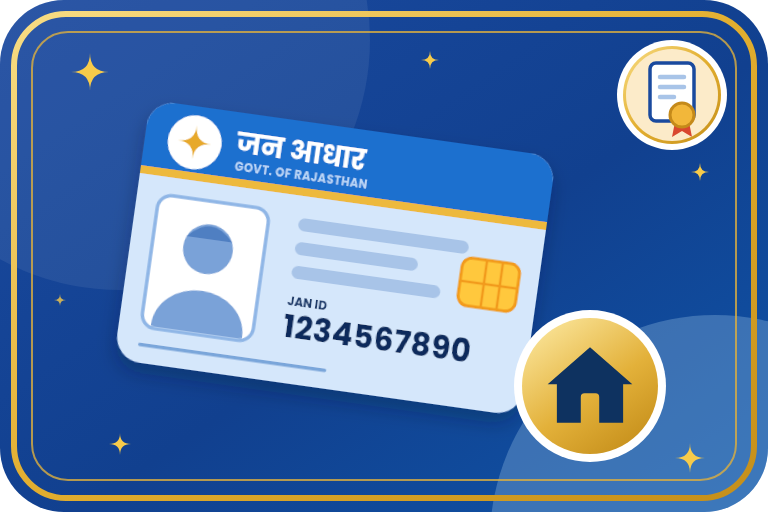
Many Rajasthan schemes and scholarships ask for caste (jati) and domicile (mool niwas) details to be linked with Jan Aadhaar. You do this by entering the token numbers of your caste and mool niwas certificates. This guide explains how to update or correct them yourself or through e-Mitra.
Key Points
- Caste and mool niwas are linked to each family member using the token number printed on the caste certificate and the mool niwas certificate.
- Since 2022, linking caste, mool niwas and income with Jan Aadhaar has been needed for Rajasthan scholarship forms, and many other schemes also check them.
- The token number is on the certificate you got from e-Mitra. For an old certificate, ask the e-Mitra that issued it, or get a fresh certificate.
- If you do not have a caste or mool niwas certificate yet, first apply for it at e-Mitra using your Jan Aadhaar number.
- The name, father's name and date of birth on the certificates should match those in Jan Aadhaar.
Documents Required
- Jan Aadhaar number or enrolment receipt number.
- Caste certificate (and its token number). To correct a caste entry, the correct caste certificate is the proof.
- Mool niwas (domicile) certificate and its token number.
- Aadhaar-linked mobile number or registered mobile for OTP.
- Your SSO ID and password, if you update it yourself.
Steps to Update Online (SSO)
- Open sso.rajasthan.gov.in and log in with your SSO ID.
- Open the Jan Aadhaar application and choose the option to update / correct details of a member.
- Search with your Jan Aadhaar number and select the family member.
- In the caste and mool niwas section, enter the token number of the caste certificate and of the mool niwas certificate, and let the portal fetch and verify the details.
- Check that the details match, then save or submit and note the acknowledgement.
- After the update, open the Jan Aadhaar record again and confirm that caste and mool niwas are showing.
- Menu names on the portal can differ from the above. Look for the update / correction option for a member.
Steps Through e-Mitra
- Visit your nearest e-Mitra kiosk with your Jan Aadhaar number and the caste and mool niwas certificates (or their token numbers).
- Ask the operator to link or update the caste and mool niwas in Jan Aadhaar.
- The operator verifies you with OTP and enters the certificate details.
- Keep the acknowledgement and check the Jan Aadhaar record afterwards.
Common Problems
- Token number not found: contact the e-Mitra that issued the certificate, or apply for a fresh certificate.
- Details do not match: a spelling or date of birth difference between the certificate and Jan Aadhaar. Correct the Jan Aadhaar entry first, or get the certificate corrected.
- Wrong caste shown: update it with the correct caste certificate.
- Link done but scholarship form still asks: check that it was done for the right member.
Frequently Asked Questions
Where do I find the token number?
It is printed on your e-Mitra caste or mool niwas certificate. For old certificates, ask the e-Mitra that made it.
Can I update it at home on my mobile?
Yes, if you have an SSO ID and the token numbers, you can do it on the SSO portal.
Do I need to link for every member?
Yes. The linking is done member by member.
I do not have a caste or mool niwas certificate. What now?
Apply for it first through e-Mitra with your Jan Aadhaar number, then link the token number.
Official Links
Need Help?
Need to link or correct caste and mool niwas in your Jan Aadhaar? Send your Jan Aadhaar number and certificate details on WhatsApp and the Emitrawala.com team will help.
Apply Now on WhatsApp Call: +91 94606 26065Disclaimer: Emitrawala.com is not a government website. This page is for information only. Fees, limits and portal screens can change, so confirm on the official portal before you apply.